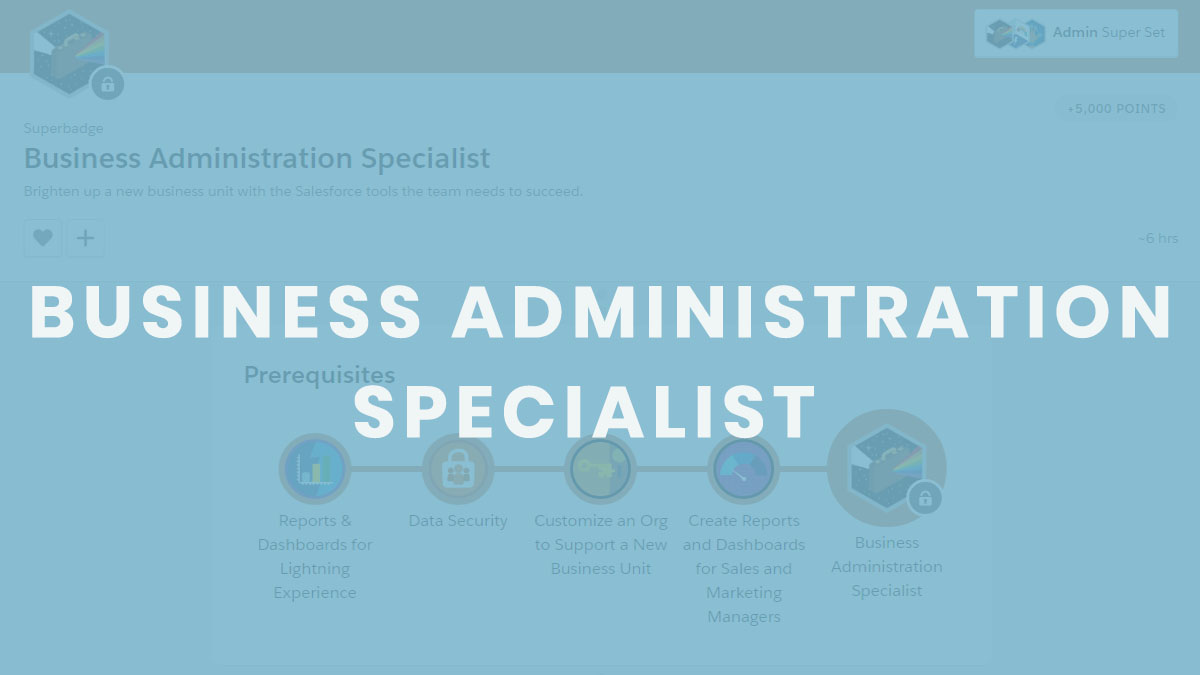
Billing Specialist Superbadge
The BNM Tuts >> Super Badges>> Billing Specialist Superbadge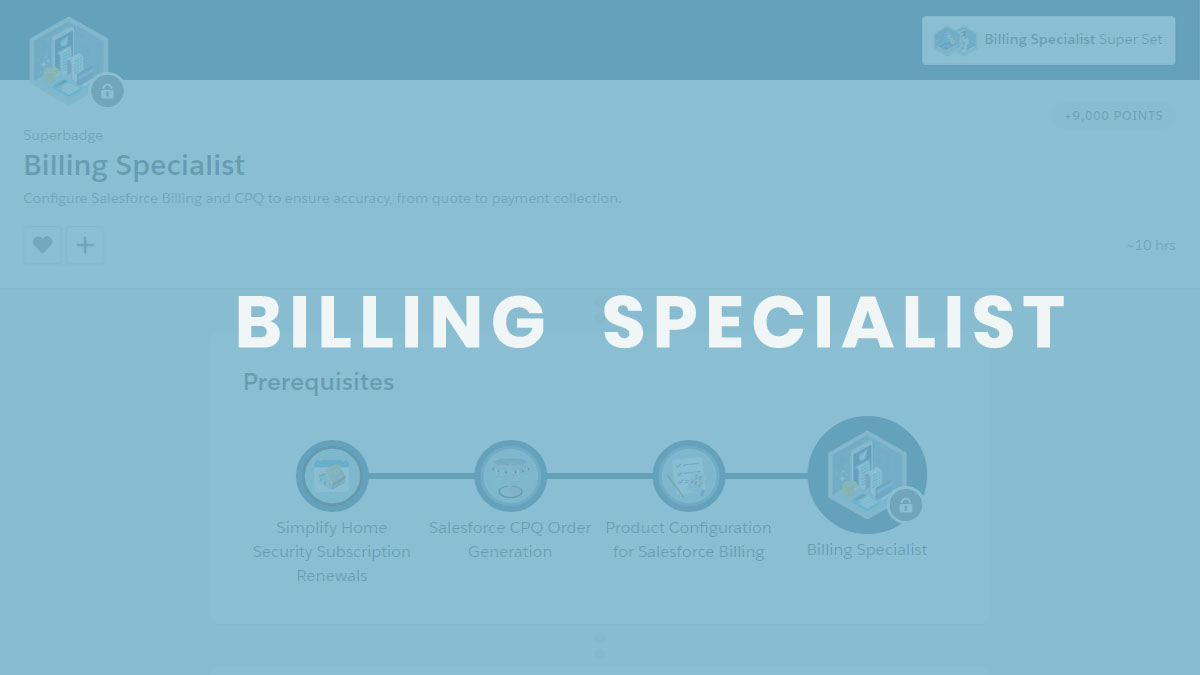
Billing Specialist Superbadge
This is a special badge for me because it made me to learn a lot while doing this badge.
To earn this badge there are some pre-requisites:
To unlock this badge, you have to complete the below mentioned 3 modules.

Why do these modules?
- You will understand the concepts of Billing and CPQ.
- These 3 modules cover the topics – CPQ order creation, Subscription on products, Configuring the products for billing.
Once you are done with these modules, you will unlock the #BillingSpecialist Super-badge.
To help you get started, here are a few tips:
You must create a new developer org (the link was given in the instructions or you can just click here to create your org). In order to avoid any errors, it is suggestible to create new org though you have previously created one.
There is a pre-created quote (Q-00015) which will be used in challenge 15. Please make sure it is not deleted or no values are changed.
Do not create any others quotes.
Do not activate orders/invoices/invoice lines/quote lines/order products until you check the information added is same as per requirements in the challenges. (Otherwise you will end up creating another org and need to start whole process again)
Before you start challenges make sure to configure the settings (Enable usage rating, allow multiple orders, the billing is based on Order: Account Shipping Address) in the installed packages as per requirements.
Do not enter Street, City, Pincode details while creating Tax related functions like Tax rule, Tax rates, Tax Treatments and Legal Entities.
Keep your orders, invoices, invoice lines status as “None” (Don’t even put the status as Draft also) until you are confident with the information provided is apt.
If you follow these tips, then you can complete the superbadge in first attempt.
Feel free to contact me about any kind of error or stuck in any challenge of the superbadge. I will help you to solve this with an ease.
I will update every superbadge tips and tricks to clear them. Keep browsing this blog for more articles, posts, trails, modules, sessions, events and many more on Salesforce.
If this post helps you, please like and share. Sharing is caring..
One thought on “Billing Specialist Superbadge”
Leave a Reply
Related Post
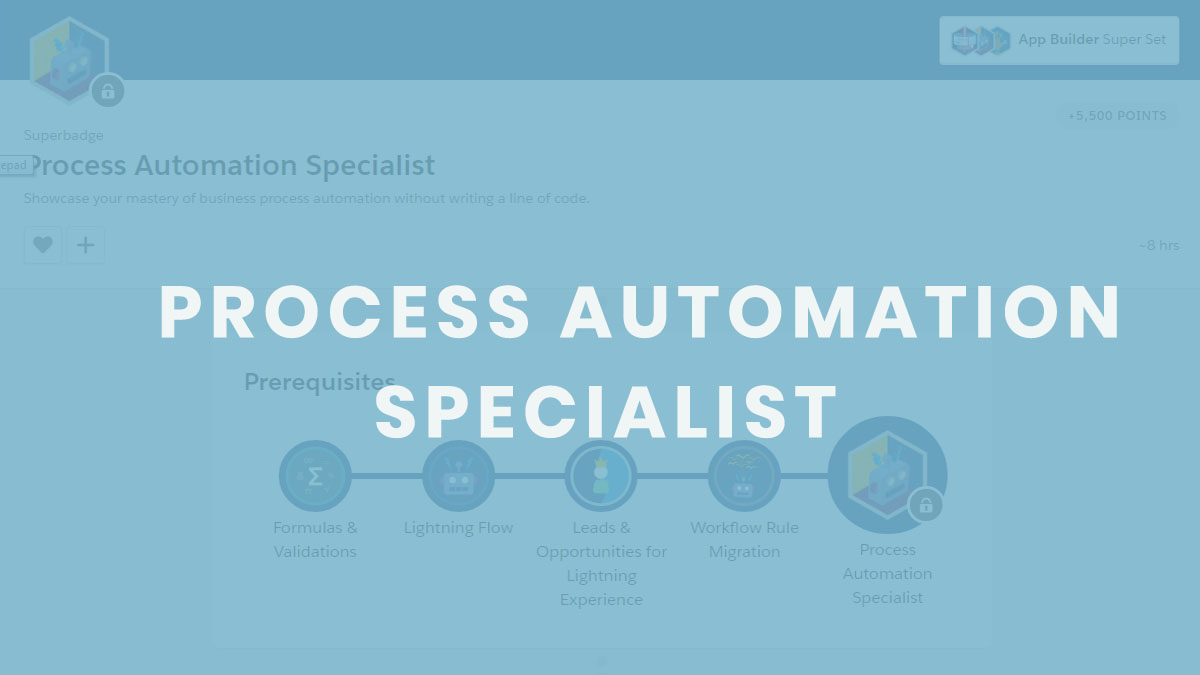
Process Automation Specialist Superbadge
Showcase your mastery of business process automation without writing a line of code. Concepts we…
Thanks for this , it really helps me a lot